Skip to content




Benefits of Mathcad Prime 12
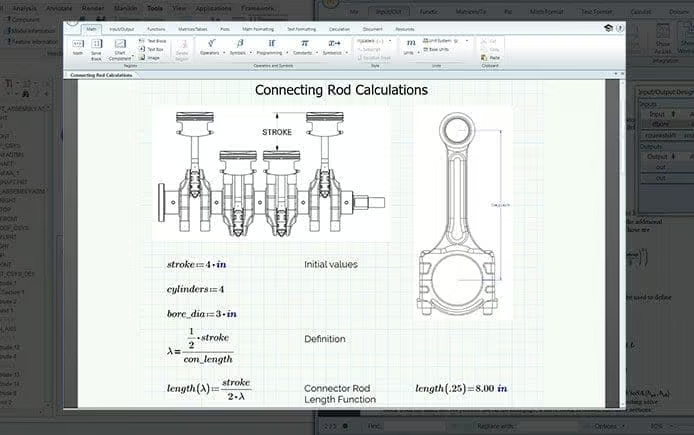
Engineering calculations are only valuable if they’re accurate, easy to understand, and connected to the rest of the product development process. Mathcad Prime 12 helps engineers reduce calculation errors with built-in units intelligence, document engineering decisions using natural mathematical notation, and standardize calculations for reuse across future projects. Rich documentation capabilities preserve engineering knowledge alongside equations, while native integrations with Creo, Windchill, and Microsoft Excel keep calculations connected to the product lifecycle, making it easier to collaborate, maintain consistency, and move products from concept to production with confidence.

Mathcad Prime 12 – Application Enhancements
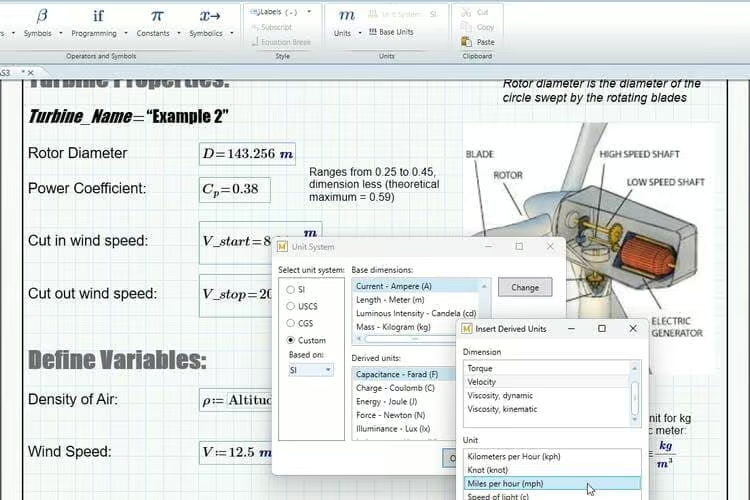
PTC Mathcad Prime 12 builds on its engineering calculation capabilities with enhancements that improve analysis, documentation, and everyday productivity. Engineers can work more efficiently with faster worksheet performance, improved native 2D plotting, new function analysis capabilities, expanded documentation and formatting options, and greater flexibility when managing variables and identifiers. Combined with enhanced solver functionality and symbolic calculation improvements, Mathcad Prime 12 helps engineering teams create, analyze, and communicate calculations with greater accuracy and confidence throughout the product development process.
Mathcad Prime 12 – Calculation Engine Enhancements
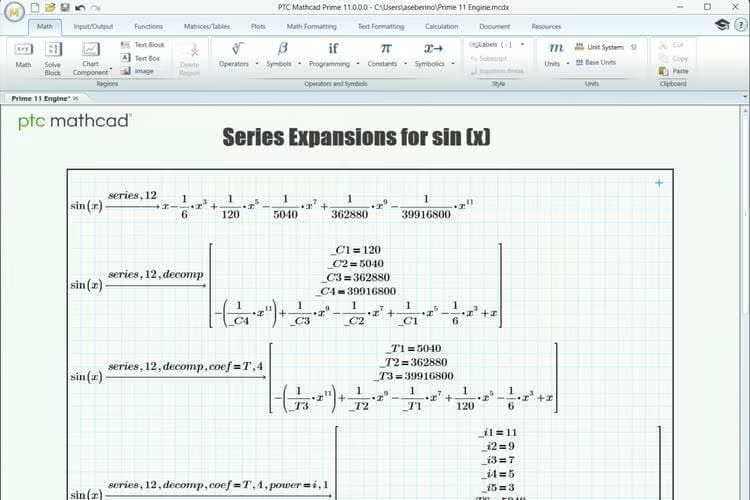
PTC Mathcad Prime 12 expands the capabilities of its calculation engine with enhancements that help engineers solve complex problems more efficiently. New function analysis tools provide deeper insight into mathematical behavior, while improved solver capabilities—including MultiStart optimization, manual derivative definitions, and expanded symbolic calculus support—deliver faster, more reliable results for demanding engineering calculations. Together, these enhancements improve analysis accuracy, accelerate optimization workflows, and give engineers greater confidence when solving complex design challenges.
Mathcad Prime 12 – Usability Enhancements
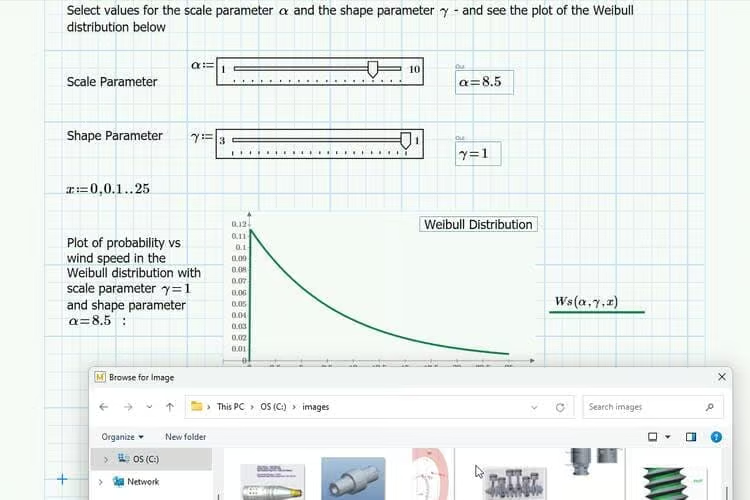
PTC Mathcad Prime 12 introduces usability improvements that make engineering calculations easier to create, edit, and maintain. Enhanced identifier management, expanded find-and-replace capabilities, improved worksheet navigation, and more flexible documentation and formatting options help engineers work more efficiently while keeping calculations organized and easy to review. Combined with ongoing interface refinements and performance improvements, these updates streamline everyday workflows and make it easier to collaborate across engineering teams.
New to Mathcad Prime 12?
Experience the full capabilities of PTC Mathcad Prime 12 with a 30-day trial. Download PTC Mathcad Express and select the full-functionality trial to explore advanced engineering calculations, documentation, and analysis tools before choosing the edition that’s right for your team.
Looking For Something Specific?
Here are some more resources that are recommended for you below:
Related Documents
Related Resources
Related Webinars
THE LATEST MATHCAD NEWS AT TRISTAR

PTC Mathcad Prime 10: Engineering Calculations and Usability
PTC Mathcad Prime 10 features improved usability and performance for streamlined engineering calculations. Transform your workflows!

SMath vs Mathcad
Explore SMath vs Mathcad in our detailed comparison! Discover key differences, costs, functionality, and which fits your needs best!
I Want my Mathcad Answer in a Fraction
In PTC Mathcad Prime, there are five options for results formatting: general, decimal, scientific, engineering, and percent. This blog post quickly explains how to format numerical results by using the Results section in the Math Formatting tab of the ribbon, and more specifically how to display a decimal answer as a fraction.