Skip to content



Understanding the Difference between PDM and PLM
PTC is expanding its collaboration with NVIDIA by integrating Omniverse technologies into Creo and Windchill. This move brings real-time simulation and immersive design capabilities to AI infrastructure development—helping teams work faster, smarter, and more collaboratively.
Blender vs Fusion 360
If you’re an engineer or a 3D modeler, chances are you’ve at least heard of both Blender and Fusion 360. But which one is better? It’s easy to tell that these two programs come from different worlds, but in reality they both have the same superpower: 3D modeling. We explore which may suite your virtual design needs best!
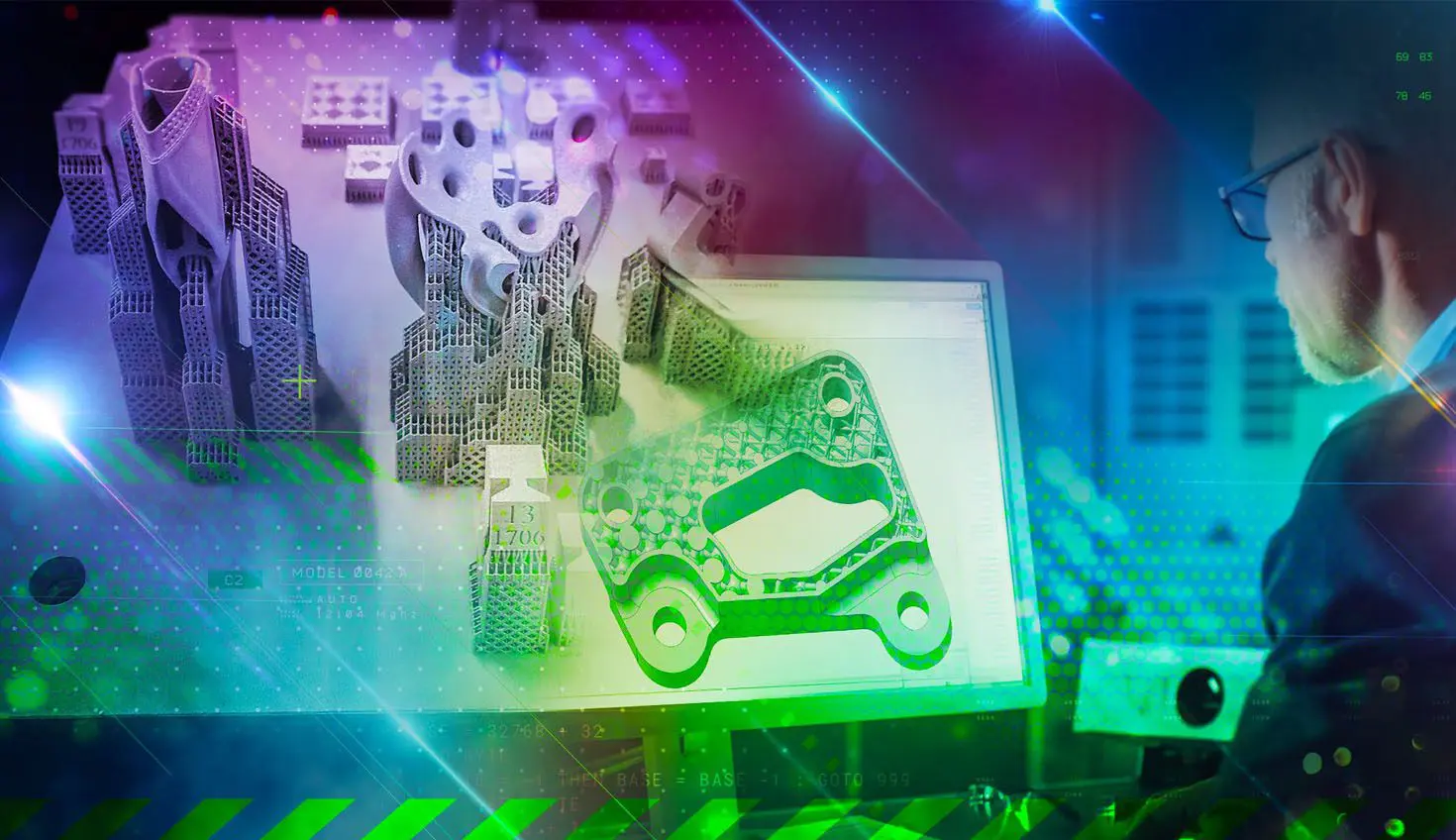
Introduction to DfAM – “Design for Additive Manufacturing”
Learn how design for additive manufacturing (DfAM) leverages the transformational power of additive manufacturing (AM) to provide engineers and designers with the tools needed to achieve highly complex designs that break the barriers set by traditional manufacturing.
Comparing 3D Rendering Software: KeyShot vs VRay
Seeing designs realistically means you need 3D rendering software that can create a true image of your idea from start to finish so there are no surprises during production, especially when mistakes are likely to happen early on! To help narrow down this search we compare KeyShot vs. V-Ray to help you make an informed decision!

AIoT Platform – Accelerate Digital Transformation
An AIoT (Artifical Intelligence of Things) platform allows you to manage your product development and manufacturing processes by accelerating digital transformation. Learn more about the benefits of implementing an AIoT platform that enables customers to create, scale, customize and implement solutions that meet their specific needs.