Skip to content



Why Integrated Application Lifecycle Management Is Essential for Advanced Product Development
Discover why integrated application lifecycle management is crucial for modern product development, ensuring traceability, compliance, and faster delivery.
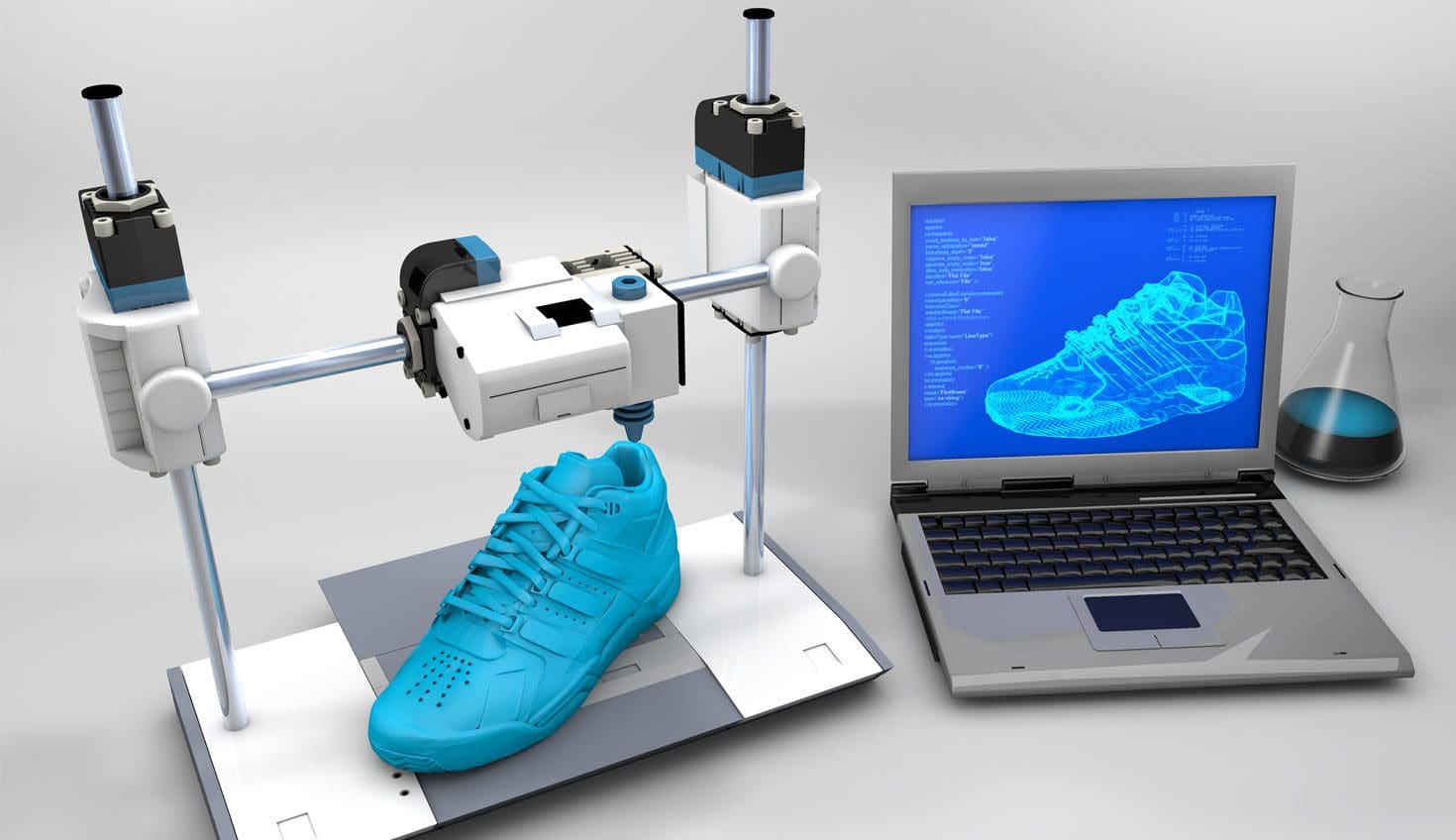
Generative Design Algorithms for Product Development
Smart generative design algorithms won’t just lead to better products—they could redefine how product development is done. Algorithmic Generative Design could reshape the future of product development by reducing time to market, cost and improve product performance.
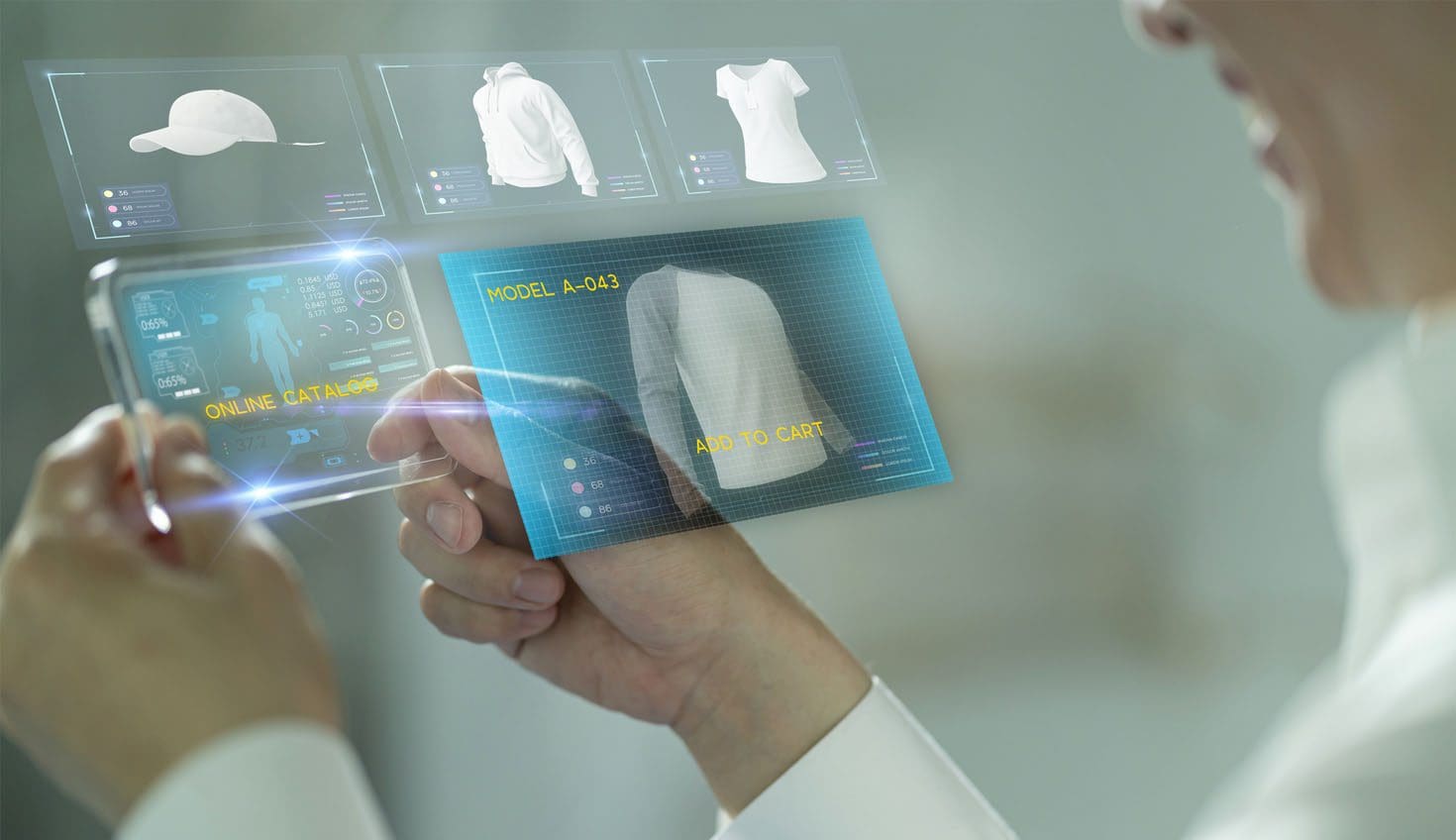
Maximizing Digital Transformation in Retail: 5 Strategies
We know that tightening the timeline between ideation and finished product, and getting that finished product into the hands of consumers has been a top priority for apparel and retail businesses for some time, but recent developments have set a new pace.

KeyShot 10 What’s New
KeyShot 10 - What's New. KeyShot 10 includes features and improvements that are focused on four specific areas - model and environment, workflow and user interface, materials and rendering, export and integration.
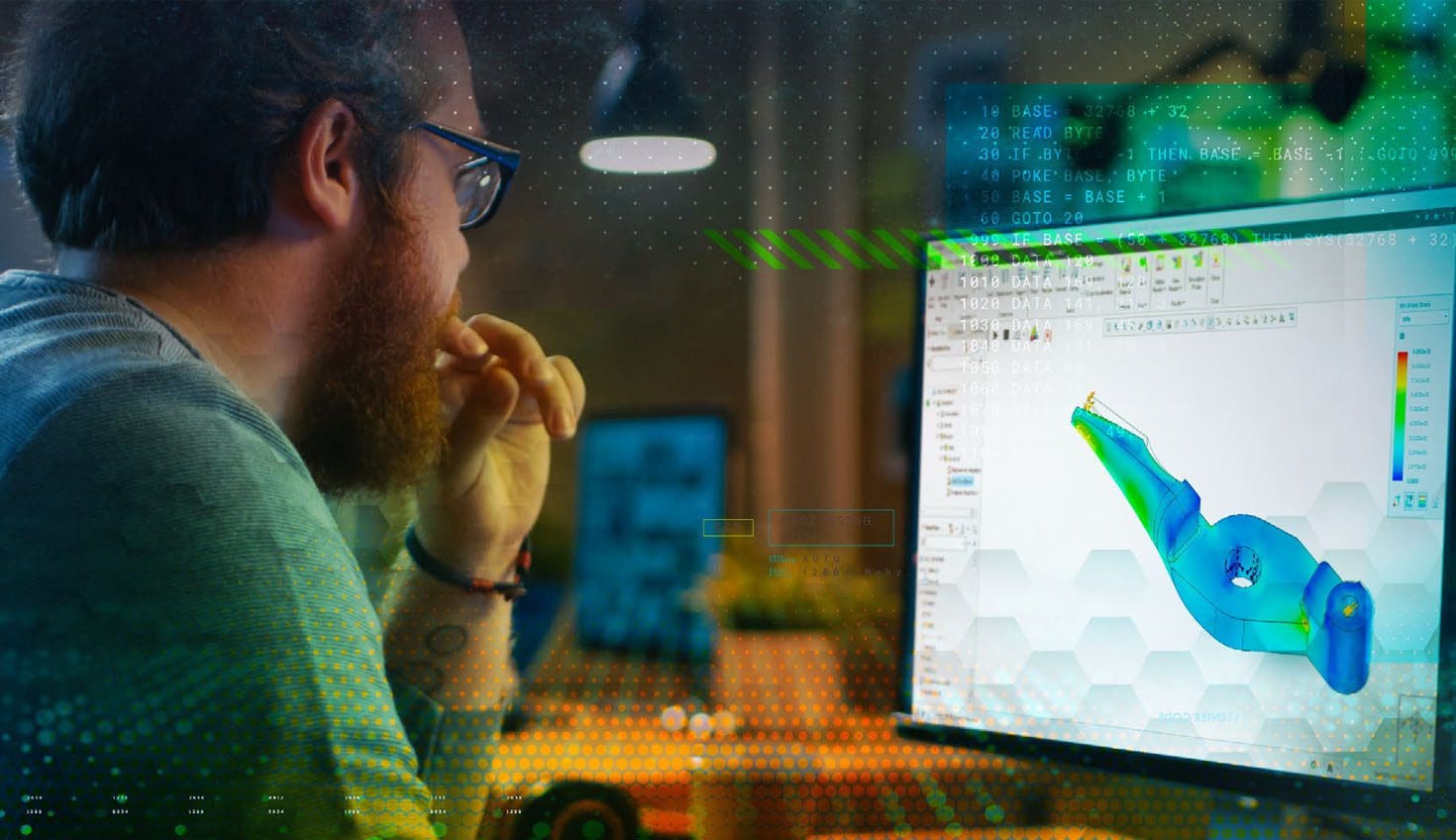
Single CAD Consolidation – Reducing CAD Chaos
Digital transformation starts at home, with time and effort spent getting your digital house in order and consolidating onto a single CAD platform. The rewards will be a business better positioned to produce top-quality, innovative products that get to market faster.