Skip to content



Best Practices for Separating Design Documentation From Physical Part Management
Find out what's new in Creo 11! Explore the latest enhancements that streamline design and boost productivity capabilities now!

Onshape 3D Printing Partnership
Onshape, the world leader in micro/nano-scale 3D printing, announced a partnership with BMF, a leading provider of 3D printing services. This partnership will help BMF to speed up collaboration and communication with its customers, helping them optimize their CAD models for the most accurate printed parts.

Remote CAD System – The Future of CAD is in The Cloud
Cloud-Native CAD - Explore how numerous companies across every industry had already been embracing a more flexible working environment using Onshape! Working from home has never been so productive!
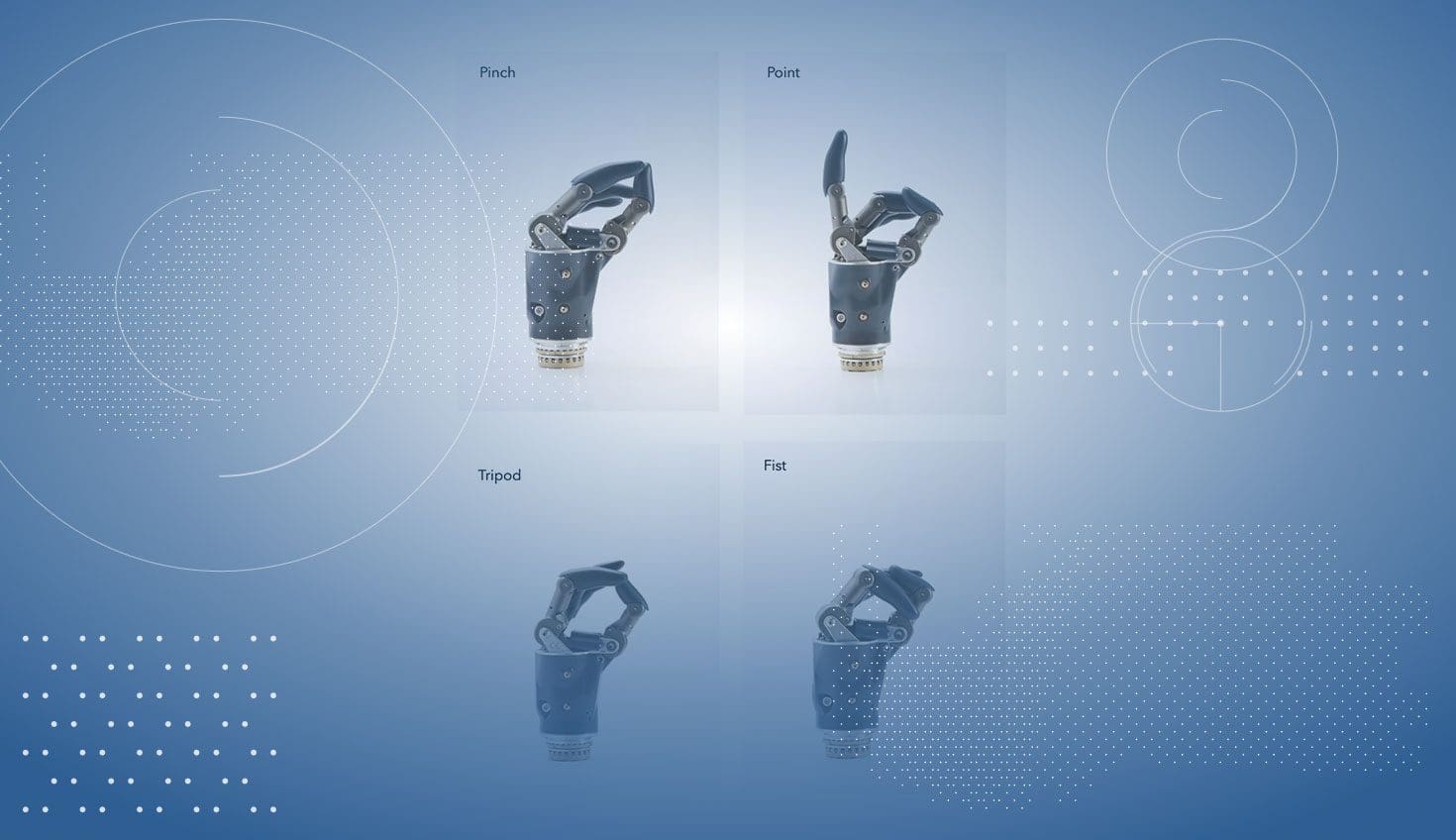
CAD Prosthetics Created by Onshape
See how Hy5, a global pioneer in hydraulic prosthetics, designs medical devices with Onshape's CAD prosthetics product development platform!

Haptic Interface Designer for Devices
Actronika, which integrates haptic technology into other companies’ existing and developing products, relies on Onshape’s real-time collaboration tools to speed up communication with its partners.